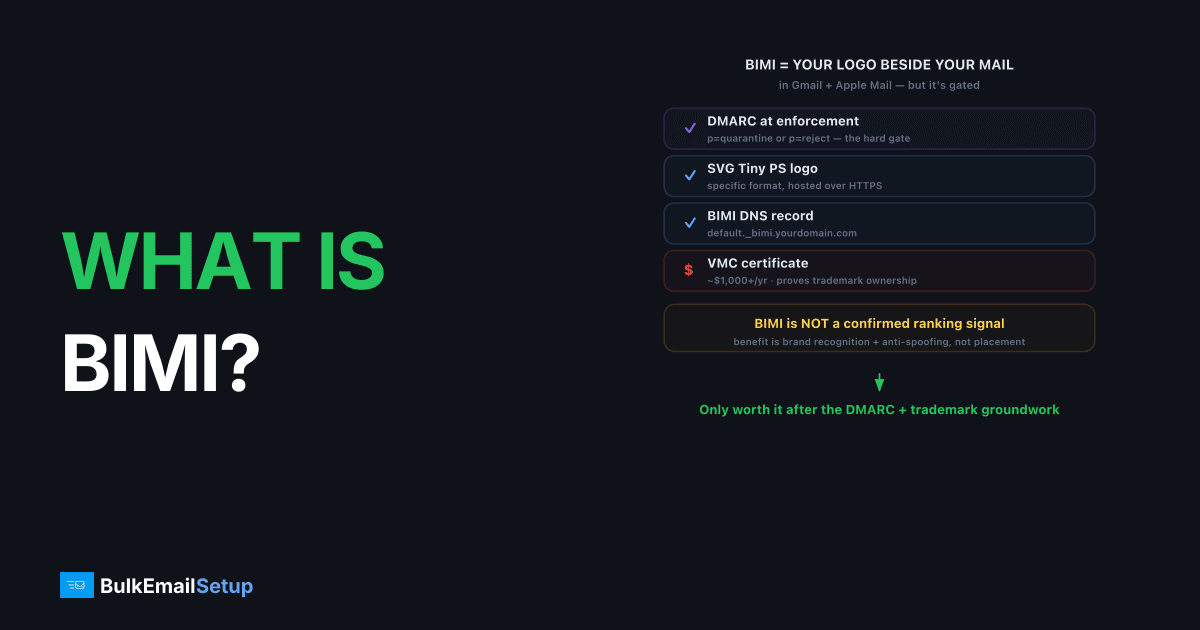
BIMI (Brand Indicators for Message Identification) is an email standard, maintained by the BIMI Group, that displays your verified brand logo beside your messages in supporting inboxes such as Gmail and Apple Mail. To use it you must already enforce DMARC at quarantine or reject, host your logo as an SVG over HTTPS, publish a BIMI DNS record, and, for most major inboxes, hold a Verified Mark Certificate (VMC) proving you own the trademark. So the honest answer to "do you need it" is: only if inbox brand recognition matters and you have done the authentication groundwork first.
What does BIMI require to work?
BIMI requires three things at minimum, and a fourth for most real-world display. The non-negotiable prerequisite is DMARC enforcement, because BIMI exists to reward authenticated mail, not to authenticate it.
- DMARC at enforcement. Your policy must be
p=quarantineorp=reject, notp=none. This is the hard gate. The policy levels are explained in DMARC none vs quarantine vs reject. - An SVG Tiny PS logo hosted over HTTPS. Specific format, not any SVG.
- A BIMI DNS record at
default._bimi.yourdomain.compointing to the logo (and VMC). - A Verified Mark Certificate (VMC) for Gmail, Apple Mail, and most major displays. This is a paid certificate, roughly $1,000+/year, that proves trademark ownership.
The VMC is the real cost, and it is not just money. It requires a registered trademark for your logo, which many smaller brands do not have. So BIMI is effectively gated behind both DMARC maturity and legal trademark work, not a quick DNS edit.
Does BIMI actually improve deliverability?
BIMI does not directly improve inbox placement, despite the common assumption. Mailbox providers have not confirmed BIMI as a ranking signal. Its measurable benefits are brand visibility and trust: a verified logo makes your mail recognizable and harder to spoof convincingly.
The indirect benefit is real, though. BIMI forces you to deploy DMARC enforcement, and DMARC at quarantine or reject genuinely does protect your domain and support deliverability. In that sense the most useful thing BIMI does for delivery happens before any logo appears, it pushes you off p=none. If you want the delivery benefit, you can get it by enforcing DMARC without ever publishing a BIMI record.
Who genuinely needs BIMI, and who can skip it?
You genuinely need BIMI if your brand is recognizable, your customers' trust hinges on knowing an email is really from you, and you already enforce DMARC. The decision splits cleanly by sender type.
| Sender type | BIMI verdict |
|---|---|
| Consumer brand with trademark | Worth it, brand trust pays off |
| B2B / SaaS with strong brand | Optional, nice to have |
| Transactional-only system | Usually skip |
| Small sender, no trademark | Skip, VMC is a blocker |
| Anyone still on DMARC p=none | Fix DMARC first, BIMI later |
We have seen teams chase BIMI as a deliverability fix and stall on the VMC trademark requirement for months. The senders who benefited were already at p=reject with a known logo. For everyone else, the effort was better spent on list quality and authentication. The most common dead end we run into is a brand that has the logo and the DMARC record ready but no registered trademark, so the certificate authority simply cannot issue the VMC, and the whole project parks for the length of a trademark filing. The step-by-step record setup, if you do qualify, is in BIMI record setup guide.
How does BIMI fit your authentication stack?
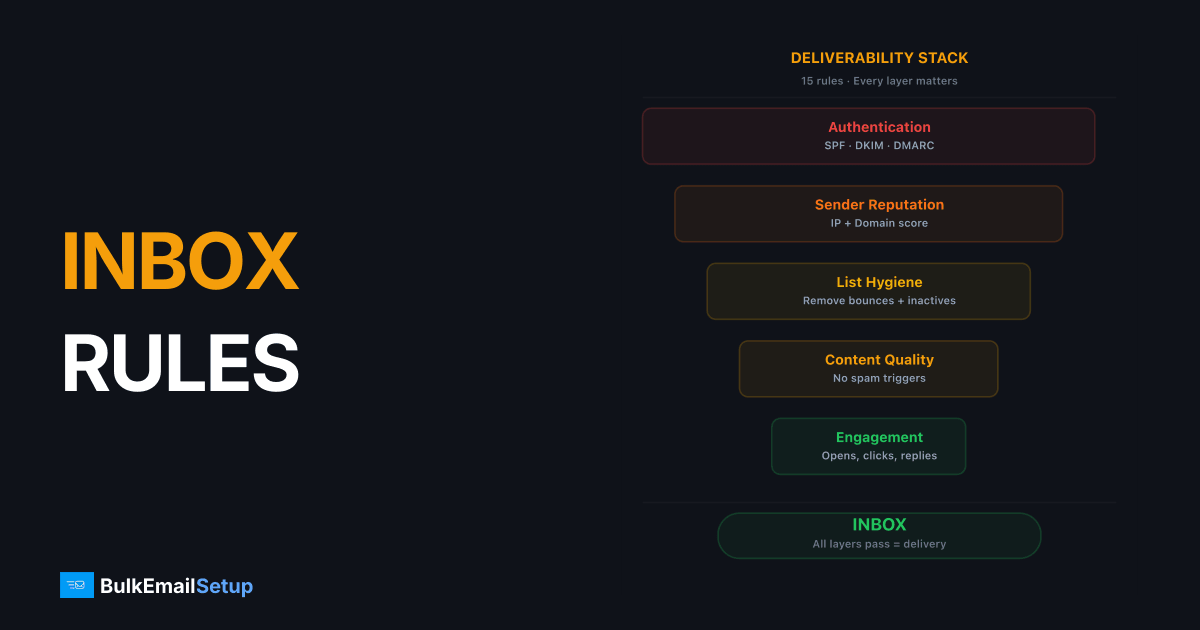
BIMI sits at the top of the authentication stack, on top of SPF, DKIM, and DMARC, not beside them. It is the visible payoff for getting the underlying records right, which is why it requires enforcement-level DMARC. If your SPF or DKIM is shaky, BIMI cannot help, because DMARC will not reach enforcement reliably.
Get the foundation right first. SPF, DKIM, and DMARC working together is the prerequisite, explained in SPF vs DKIM vs DMARC. Once those are solid and you are at p=quarantine or p=reject, BIMI becomes a reasonable next step if the brand case is there.
How do you set up BIMI step by step?
Set up BIMI in five steps, and budget several weeks for the certificate, not the DNS. The DNS edit is the easy 10-minute part. The trademark and VMC work is what actually takes time.
- Reach DMARC enforcement. Move to
p=quarantineorp=rejectand confirm via aggregate reports that legitimate mail still passes. This is the hard gate. - Prepare the logo. Convert your logo to SVG Tiny PS, the only accepted format, square aspect ratio, and host it over HTTPS.
- Get a VMC. Apply through a certificate authority (DigiCert or Entrust). They verify your registered trademark, which is why this step can take weeks.
- Host the VMC as a
.pemover HTTPS alongside the logo. - Publish the BIMI record, a TXT at
default._bimi.yourdomain.comwithv=BIMI1; l=<logo URL>; a=<VMC URL>.
If you skip the VMC, some inboxes still show the logo, but Gmail, Apple Mail, and most major clients will not. So for real coverage, the VMC is effectively mandatory.
What does BIMI actually cost?
BIMI's main cost is the Verified Mark Certificate, roughly $1,000 or more per year, plus the prerequisite of a registered trademark. The DNS and logo work is cheap; the certificate and legal layer are not. Here is the realistic breakdown.
| Item | Typical cost | Notes |
|---|---|---|
| Registered trademark | $250-$2,000+ | Required for the VMC; one-time plus renewals |
| Verified Mark Certificate | ~$1,000+/year | From DigiCert or Entrust |
| SVG logo conversion | Low / internal | One-time design task |
| DNS record + hosting | Negligible | A TXT record and an HTTPS file |
For most senders we have advised, the trademark requirement, not the certificate fee, is the real blocker. Brands without a registered mark face months of trademark filing before BIMI is even possible, which rarely pencils out against spending that time on list quality and engagement instead.
How BulkEmailSetup helps
BIMI is only realistic once your authentication is fully in order, which is exactly the part teams get wrong. Our dedicated SMTP setup configures SPF, DKIM, DMARC, and PTR correctly and helps you reach DMARC enforcement safely, the prerequisite for BIMI. From there, publishing the BIMI record is straightforward. See plans on our pricing page.
Frequently asked questions
What is BIMI in email?
BIMI (Brand Indicators for Message Identification) is a standard that displays your verified brand logo next to your emails in supporting inboxes like Gmail and Apple Mail. It is a published DNS record that points to your logo and verification.
What does BIMI require?
BIMI requires a DMARC policy set to enforcement (quarantine or reject), an SVG Tiny PS logo hosted over HTTPS, and a BIMI DNS record. For most major inboxes it also requires a Verified Mark Certificate (VMC) proving you own the trademark.
Does BIMI improve deliverability?
BIMI itself does not directly boost inbox placement. Its real value is brand trust and the DMARC enforcement it forces you to deploy, which does help deliverability. Treat BIMI as the reward for doing authentication right, not a delivery hack.
Do I actually need BIMI?
You need BIMI only if brand recognition in the inbox matters to you and you already enforce DMARC. Small senders and transactional-only systems can skip it. The DMARC enforcement it requires is worth doing regardless of BIMI.